Introduction
In today’s world, we have texts, emails, and video calls. But what if you just want to talk to someone right now—quickly, easily, and clearly? That’s where zello comes in.
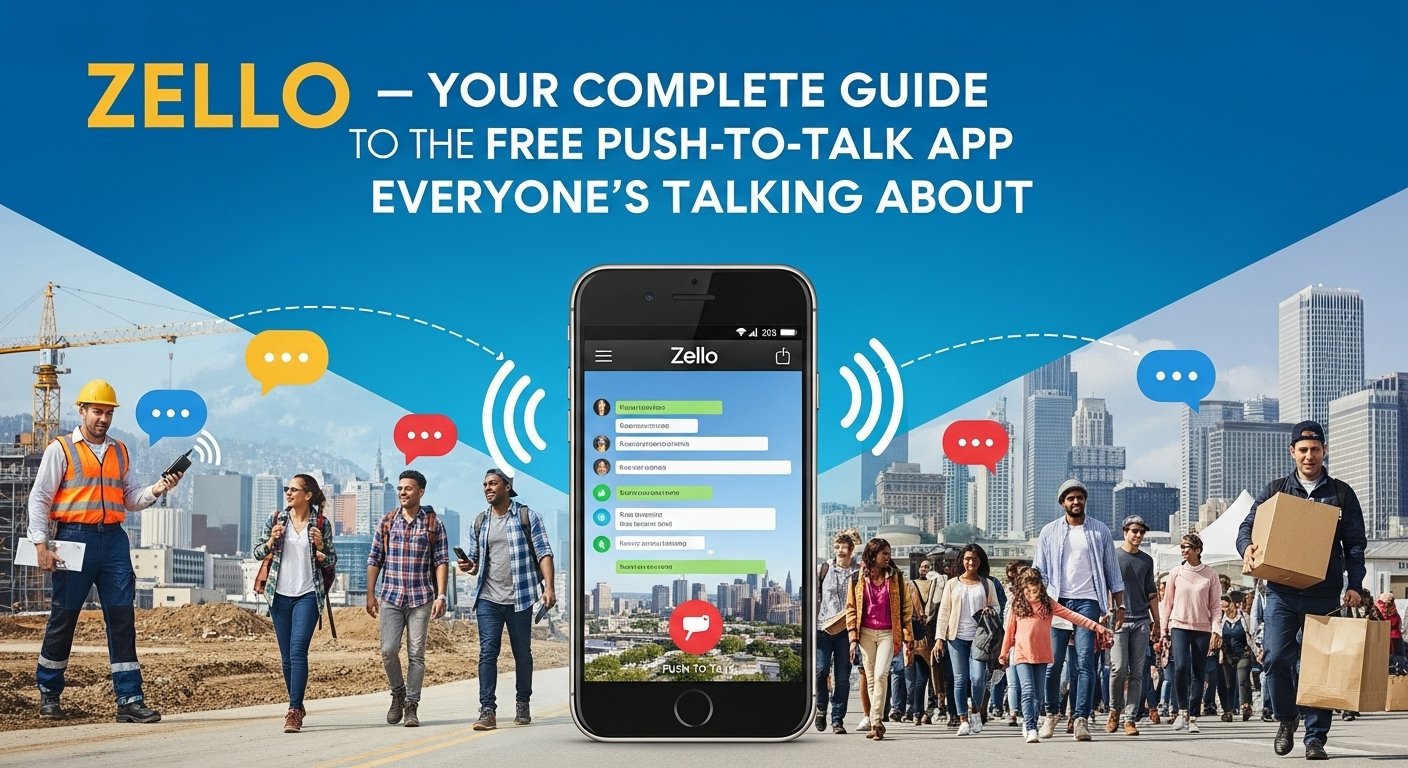
Zello is a free push-to-talk (PTT) app that turns your phone into a walkie-talkie. With just a tap, you can talk to your friends, family, coworkers, or even strangers around the world. It’s simple. It’s fast. And it doesn’t need much data to work. All you need is internet access through Wi-Fi or mobile data, and you’re good to go.
In this full guide, we’ll show you everything you need to know about using Zello. Whether you’re new to the app or looking to get more out of it, we’ve got you covered. Let’s make your voice communication smarter, smoother, and more fun!
How Zello Works: A Simple Look at Push-to-Talk Technology
Zello uses push-to-talk (PTT) technology. That just means instead of typing messages or making a phone call, you press a button and speak. Your voice message is sent instantly to the person or group you’re talking to.
Zello works like a walkie-talkie but over the internet. It doesn’t need cell towers or radio signals. If you’re connected to Wi-Fi or data, you’re ready to talk.
This makes Zello perfect when you want quick voice messages without making a full call. It’s great for people constantly on the move, like delivery drivers, remote workers, and even families staying in touch.
Best of all—it’s free!
Key Features That Make Zello Stand Out
Zello has many features that help it do more than just send voice messages. Here are some highlights:
- Live voice communication that’s fast and real-time
- Private chats with one person and group channels for teams
- Public channels for meeting people and joining topics you care about
- Voice message history to replay what someone said
- Status display to show who’s available or away
- Hands-free mode for talking while driving or working
These features make Zello great for casual users and professionals alike. Whether you’re catching up with friends or coordinating a team, the app gives you all the tools you need.
How to Download and Set Up Zello
Getting started with Zello is quick and easy. Here’s how to do it:
- Go to the Google Play Store (Android) or Apple App Store (iOS).
- Search for Zello.
- Download and install the app.
- Open the app and create a free account using your email or phone number.
- Pick a cool username. That’s what others will see and use to contact you.
- Add your friends or join a public channel to start chatting!
There’s also a version for desktop computers and a web version if you prefer using Zello from a computer.
Who Uses Zello? Real-Life Use Cases
Zello is used by more people than you might think—and not just for fun.
Here are some real-life examples of who uses the app:
- Families and friends: for staying in touch quickly, even across long distances
- Event planners: coordinate things backstage or between different teams
- Truck drivers and delivery drivers: for efficient communication on the road
- Emergency responders: during hurricanes or power outages, Zello can work better than phone calls
- Construction teams and warehouse staff: to talk across sites without pricey radios
Because it’s flexible and easy to use, Zello has become a go-to choice for fast voice communication worldwide.
Zello Channels: Public vs. Private Explained
Zello has two major types of channels—public and private.
- Public channels are open to anyone. You can find them based on topics or interests. For example, there are channels for off-roaders, hiking, travelers, or hobby groups.
- Private channels are invite-only. You can create one for your family, your team at work, or a group of friends. You choose who joins, who can talk, and who just listens.
These options make Zello both fun and functional. You can bond with others or build serious communication tools for business—all inside the same app.
Pros of Using Zello
There are lots of good reasons people like using Zello. Here are the biggest pros:
- Free to use with no ads
- Instant voice messaging with no dialing
- Works over Wi-Fi or mobile data
- Very little battery and data use
- Clear, real-time audio even in weak signal areas
- Great for personal or professional use
- Cross-platform app works on phones, tablets, and computers
Unlike some other apps, Zello focuses on fast and simple user experience. No fluff—just real-time voice chats.
Are There Any Cons?
While Zello is great, it’s not perfect. Here are a few minor drawbacks:
- Needs internet: You can’t use it if you don’t have Wi-Fi or mobile data
- No video or text messages: It’s for voice only
- Can get noisy: If you join large public channels, prepare for chatter
- Public channels aren’t always moderated: Some may have inappropriate users
- Voice messages can overlap in big groups
These issues can usually be fixed by adjusting channel settings or just sticking to private channels with trusted contacts.
Zello for Teams and Businesses
If you manage a team—like delivery crews, customer service, retail, or security—Zello could be your best communication tool.
Here’s what it does for workgroups:
- Replaces expensive two-way radios
- Creates fast response networks
- Allows team members to talk from anywhere
- Offers admin control over who joins, speaks, or listens
- Keeps everything logged when needed
Zello even has Zello for Work, a paid version with advanced features, including integrations with existing team tools, analytics, and enhanced support. Many businesses say adding Zello has increased efficiency and saved money on hardware.
Emergency and Rescue Use: Why Zello Is a Lifesaver
In disaster zones or during emergencies, traditional phone lines may fail. That’s when Zello becomes incredibly useful.
Rescue teams and volunteer groups have used Zello during:
- Hurricanes
- Earthquakes
- Floods
- Power outages
- Fires
Because it works on low signal and doesn’t use much data, Zello helps when minutes count. Public safety channels are open for real-time updates and assistance. It gives people a voice when others can’t be heard.
Staying Safe on Zello: Smart Tips
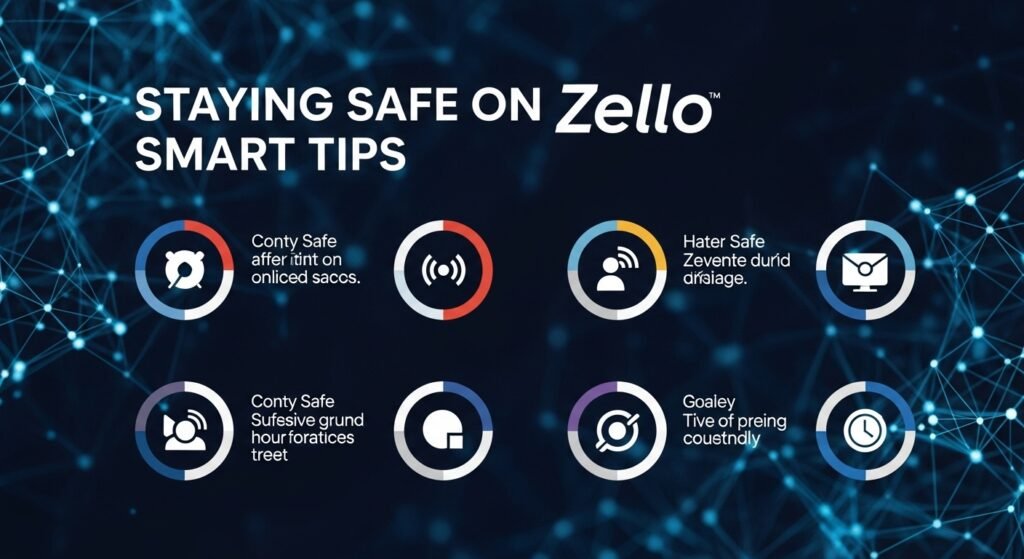
While Zello is mostly safe to use, it’s always smart to stay careful online. Here’s how to stay protected:
- Set your profile to private if you’re not joining public channels
- Always use private, invite-only channels for family or work
- Don’t share personal info with strangers
- Block and report users who act inappropriately
- Use moderation tools in your channels
- Avoid clicking any external links unless they’re trusted
Zello makes it easy for users to manage their safety and privacy without extra effort.
Zello vs Other Communication Apps: A Quick Comparison
You may already use WhatsApp, Messenger, or signal-based communication tools. So why try Zello?
Here’s a simple comparison:
- Zello = Real-time, instant walkie-talkie voice
- WhatsApp = Text and voice messaging, slower than Zello’s response style
- Messenger = For chatting but a bit cluttered for fast voice
- Signal/Telegram = Secure apps, but not voice-first
- Discord = Great for voice, but better suited for long group chats
When you need to send a message right now—and only want to talk—Zello feels faster and easier.
Advanced Settings and Features You Should Try
Want to level up your Zello experience? Check out these pro tips:
- Use “push button to talk” mode on smartwatches or custom gear
- Add channel descriptions and set user roles
- Explore the message history setting (helpful for remembering addresses or codes)
- Try the desktop app—great for office settings
- Enable Bluetooth mode for hands-free communication
These features help Zello become your go-to tool—not just for fun, but for work, too.
FAQs
1. Is Zello free to use?
Yes! Zello is completely free for individual users. There’s also a paid enterprise version for businesses.
2. Can I use Zello without Wi-Fi or internet?
No. Zello runs on internet connections—either Wi-Fi or mobile data.
3. Is Zello safe for kids?
Public channels might not be kid-friendly. But private, family-only channels are safe under supervision.
4. Can Zello calls be recorded?
Users can replay the voice history (if enabled), but no permanent recordings unless a user saves them.
5. Is Zello better than regular walkie-talkies?
Yes, in many ways. No range limits. No hardware needed. Worldwide use with just your phone and internet.
6. Can I use Zello on a computer?
Absolutely. Zello has apps for Windows PCs, plus a web version for browser use.
Conclusion
Absolutely, yes. If you want real-time, fast, and clear voice communication for free, Zello offers something special. It’s built for people who want to talk—not type. And it works for families, friends, workers, and emergency crews alike.
You don’t need to spend a dime. Just install the app, set a username, and you’re ready to talk. Whether you’re at home, at work, or on an adventure, Zello keeps your voice connected, instantly.