
Introduction
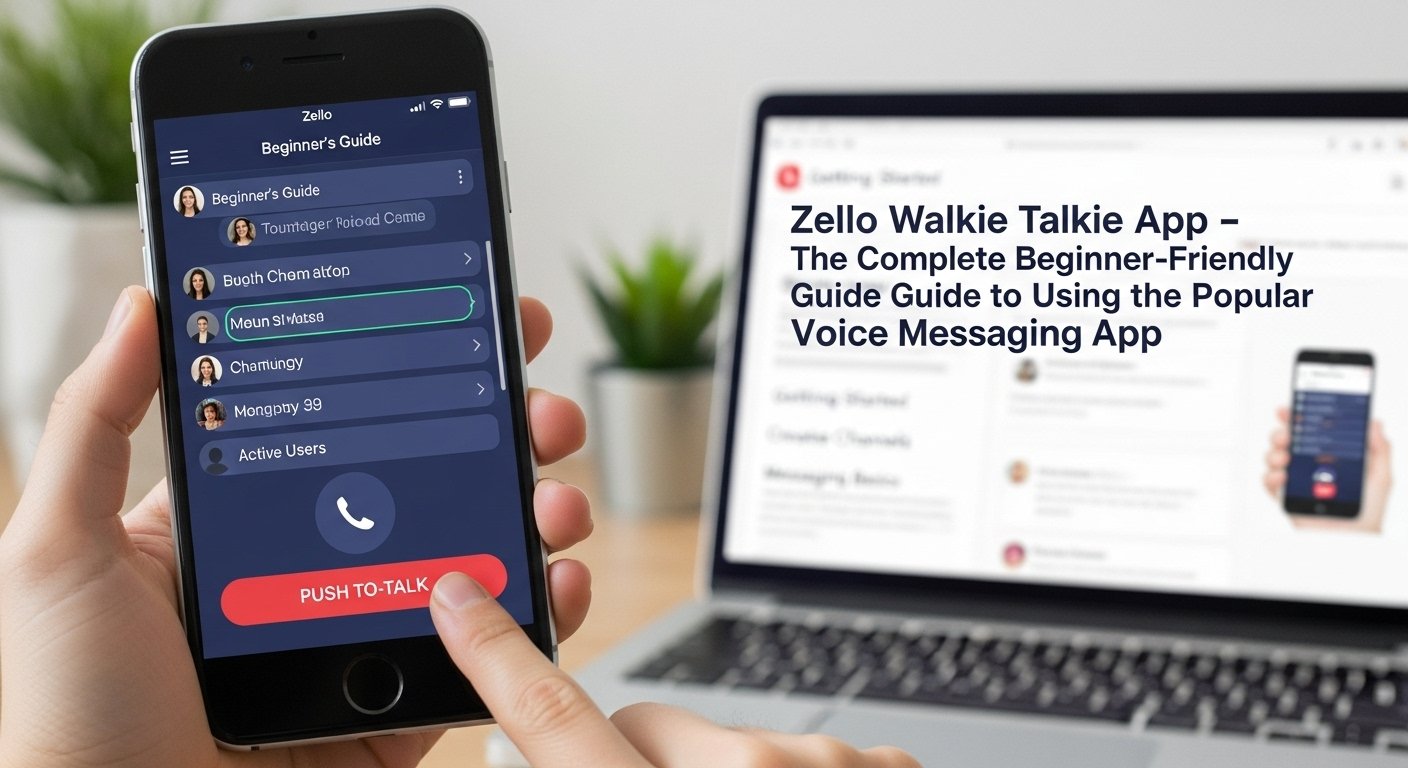
Let’s keep it simple. The Zello walkie talkie app turns your phone into a real-time voice communicator. Imagine a modern version of a walkie talkie—but smarter, faster, and powered by the internet. No need for radio frequencies. Just push a button, talk, and your voice is instantly heard by your friend, group, or co-worker, wherever they are in the world.
It’s free, it’s easy, and it offers real-time communication that feels warm and fast—because sometimes, a voice says more than a text.
In this article, we’ll explore everything you need to know about the Zello walkie talkie app. From how it works to who uses it, privacy tips, and expert tricks, this guide will help you get the most out of Zello.
Let’s walkie-talkie our way into the details.
How the Zello Walkie Talkie App Works
The Zello walkie talkie app works over the internet—Wi-Fi or mobile data. It lets users send short voice messages instantly. You press a big button, talk, and release—just like a classic walkie talkie.
But here’s the cool part: you can talk to one person or an entire group. Those listening can respond in real time. There’s little to no delay, and the sound is usually very clear.
It doesn’t matter where you live. As long as you have data or Wi-Fi, Zello connects you to anyone you choose. Group chats, individual conversations, private networks—all are possible.
Plus, since messages are sent instantly but not stored permanently (unless you choose), it feels more like live radio than voice mail.
Key Features of the Zello Walkie Talkie App
The Zello walkie talkie app is packed with features. Don’t worry—it’s still super easy to use. Here are some of its best tools:
- Push-to-talk: Tap to talk, release to stop
- One-on-one chats: Talk privately with friends or coworkers
- Public channels: Join or create open-topic chat rooms with people worldwide
- Private channels: Make group chats for your team or family
- Voice history: Re-listen to past messages (unless the feature is disabled)
- Availability mode: See who’s online and ready to talk
- Hands-free option: Talk without pressing any button (great for drivers)
These features make Zello more than just a voice app—it becomes a community communication hub.
Getting Started: How to Install Zello
Installing the Zello walkie talkie app is easy. It’s available on Android and iPhone devices for free.
Here’s how to get started:
- Go to the Google Play Store or Apple App Store
- Search for “Zello Walkie Talkie”
- Tap Install
- Open the app and create a free account
- Choose a username (this is how others find you)
- Add contacts or join channels
You don’t need to give your phone number. Communication happens through the app using your username or channel name. Within minutes, you’re ready to start push-to-talking.
Who Uses the Zello Walkie Talkie App?
So who uses this voice chat app? A lot of people. And for very different reasons.
Here are some real examples:
- Families: Zello makes it easy to chat casually without needing to type.
- Delivery drivers & couriers: They use group channels to give updates quickly.
- Event planners: Staff communicate during live events without needing walkie talkies.
- Off-road groups: People on trails or road trips coordinate plans easily.
- Emergency responders: Some volunteer groups use Zello during disasters, where phone networks fail.
The Zello walkie talkie app is flexible—it can be fun or functional depending on how you use it.
Zello for Businesses: Team Communication Made Simple
Many companies use Zello to replace radios or internal communication tools. Why? Because it’s cheaper, cleaner, and easier.
Whether it’s a security team, warehouse shift, or hotel staff, the Zello walkie talkie app creates fast voice access between teammates.
Key benefits for teams include:
- No hardware required—just phones and the free app
- Clearer voice audio than many two-way radios
- Create private groups with admin controls
- Use maps and location sharing (optional tools)
- Log into Zello via desktop app or web too
Zello also offers an enterprise plan for larger companies who need secure networks and 24/7 support. It’s communication at your fingertips—built for speed.
Public vs Private Channels on Zello
In the Zello walkie talkie app, you can talk one-on-one, or use channels. But not all channels are the same.
- Public Channels: Open to anyone. You can search topics like truckers, music, or hobbies and join.
- Private Channels: Invite-only. You can create a group chat that no outsider can access.
Public channels are great for meeting new people or joining interest-based communities. But if you need a safe space for co-workers or family chat, private channels are best.
Zello lets you control who speaks, who listens, and how the channel works.
Pros of Using the Zello Walkie Talkie App
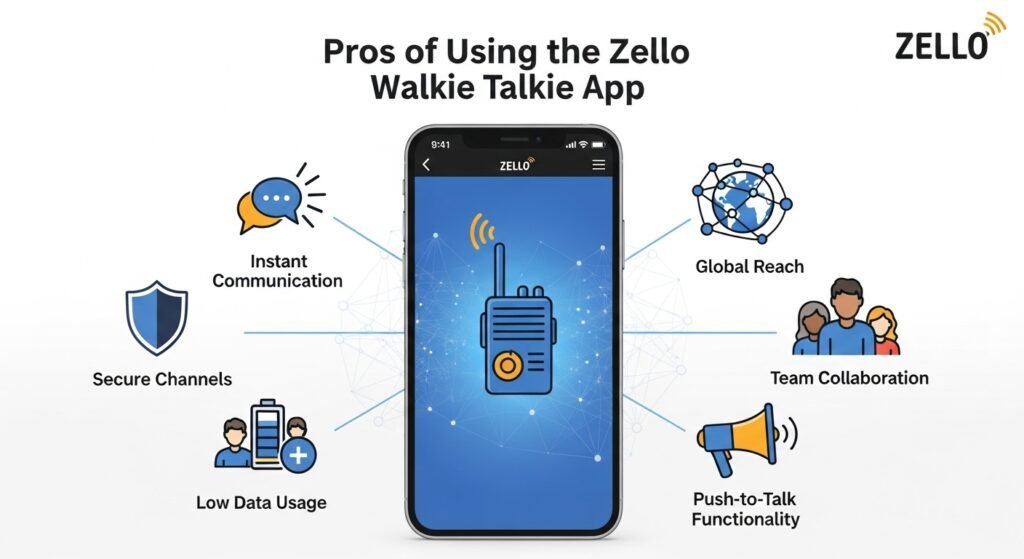
The Zello walkie talkie app continues to grow in popularity with good reason. Here are the top pros:
- Free to use: No subscription needed for personal features
- Real-time voice: The closest thing to live conversation without calling
- Easy to set up: No SIMs, no numbers, just a username
- Cross-platform: Android, iPhone, and even desktops
- Great for noisy environments: Headsets + push-to-talk boost loud places
- Efficient for group coordination: Great for teams, clubs, and events
Whether you’re managing a job site, planning a road trip, or just want to laugh with friends, Zello delivers fast and fun voice messages.
Potential Drawbacks of Zello
As good as the app is, it’s not perfect. Here are a few things to watch out for:
- Needs internet: No offline communication unless you’re all on the same network with mobile data/Wi-Fi
- Voice only: No video calls or screen sharing
- Can be noisy: If you’re in multiple channels, messages can overlap
- Public channels have trolls: Some open chats may have rude or loud users
- Battery drain: Live audio notifications can use up power if always running
Most of these issues can be managed or minimized. Just set quiet times, use fewer active channels, and join private groups to avoid noise.
Zello vs Other Communication Apps
You may be wondering, “Why Zello and not WhatsApp, Discord, or regular calls?”
The Zello walkie talkie app is different. It’s lightweight, fast, and real-time. You don’t need to “ring” someone. You just push and talk.
Here’s how it compares:
- Zello vs WhatsApp: WhatsApp is better for text; Zello is better for live voice
- Zello vs Discord: Discord is for gaming and longer chats; Zello is for quick talk
- Zello vs voice calls: Calls take time to connect; Zello is instant
If you’re driving, on the move, or need team-wide voice updates, Zello wins for its simplicity.
How to Stay Safe on Zello
The Zello walkie talkie app is mostly safe, but like any online tool, you should use it with care.
Here are quick safety tips:
- Set your profile to private if you don’t want others to find your username
- Avoid joining random channels, unless moderated
- If kids use Zello, monitor their activity or limit it to trusted contacts
- Report and block users who misbehave
- Don’t click links from strangers inside channel messages
As long as you stick to trusted friends, channels, or verified organizations, Zello remains a safe and fun way to stay in touch.
How Zello Helps During Emergencies
During hurricanes, power outages, and natural disasters, the Zello walkie talkie app has proven helpful because it’s fast and doesn’t rely on phone calls.
Several rescue and relief teams have said they used public Zello channels to:
- Organize rescues
- Send help to trapped people
- Spread alerts when phones or texting failed
If you’re in an area with Wi-Fi or even weak data, Zello can still deliver real-time voice messages that make a big difference. It’s a good backup in emergency planning.
Advanced Tips and Tricks for Zello Users
Once you’ve used the app a bit, here are a few tips to improve your experience:
- Use headset mode: Great for hands-free use while working
- Turn on do-not-disturb: If you’re in loud or busy chats
- Record voice messages: Save key info or directions
- Pin favorite contacts for quicker reach
- Adjust channel roles: Let only certain people talk if needed
The Zello walkie talkie app is more powerful than it seems at first. Just explore settings and see what fits your style and lifestyle.
FAQs
1. Is the Zello walkie talkie app free to use?
Yes, the core features are 100% free for iOS, Android, and desktop users.
2. Do I need Wi-Fi or data to use Zello?
Yes, Zello works through the internet. No signal or Wi-Fi = no communication.
3. Is Zello secure for private chats?
Yes, but use private channels and trusted contacts. Avoid open/public chats for anything sensitive.
4. Can I use Zello while driving?
Yes, especially with hands-free or voice-access features. It’s safer than texting or calling.
5. Does Zello store my conversations?
Not forever. You can listen to voice history unless it’s turned off in the settings.
6. Can Zello replace two-way radios at work?
Yes! That’s exactly what many businesses use it for. No radio hardware needed—just phones and the app.
Conclusion
If you’re looking for fast, free, real-time voice communication, the Zello walkie talkie app is a fantastic choice. It’s like having a walkie talkie in your pocket—ready to keep you connected with friends, family, or your team.
Whether you’re organizing an event, responding to emergencies, or staying in touch with loved ones, Zello offers speed, clarity, and simplicity that many other apps don’t.
It’s voice-first, people-first, and totally user-friendly.